Access tokens
A proxy user is identified by an access token which must be presented as a Bearer token in the Authorization header whenever an API request is made:
shell
curl --header 'Authorization: Bearer «access token»' \
     http://iotlab-data-proxy.example.com/proxy/01a0a9cb-c5de-7452-8a8c-336fa3c71d63/ngsi-ld/v1/types
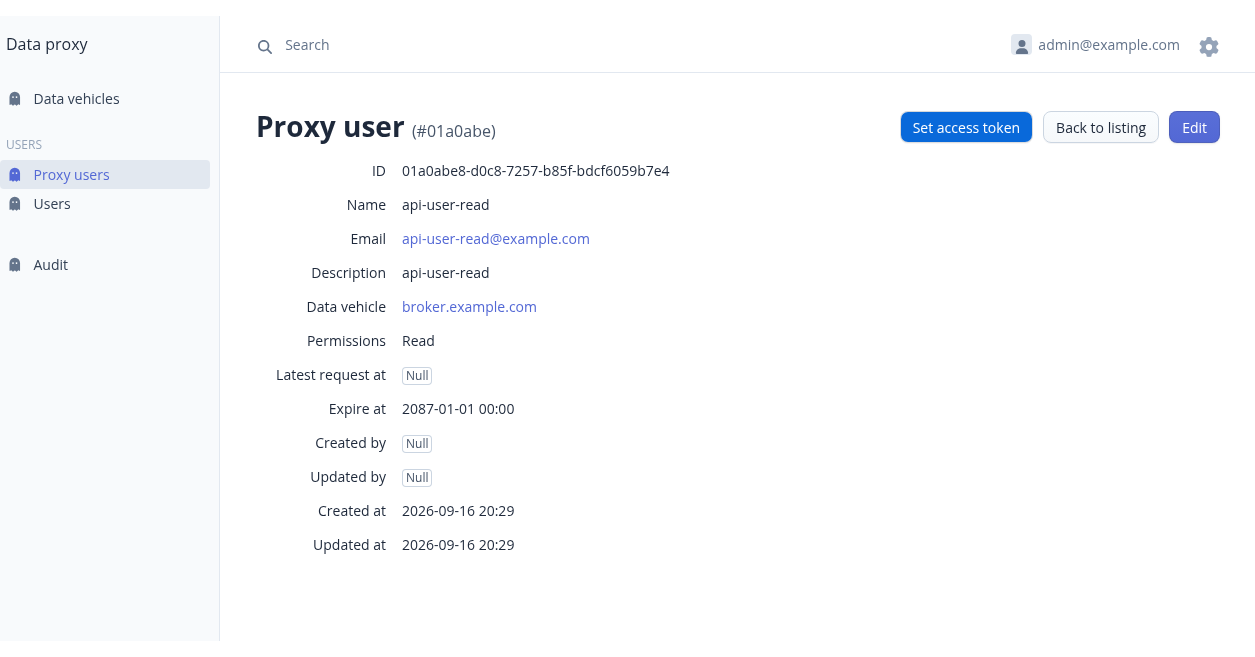
A new proxy user does not have an access token, but an administrator can create a token for the user by clicking the "Set access token“ button:
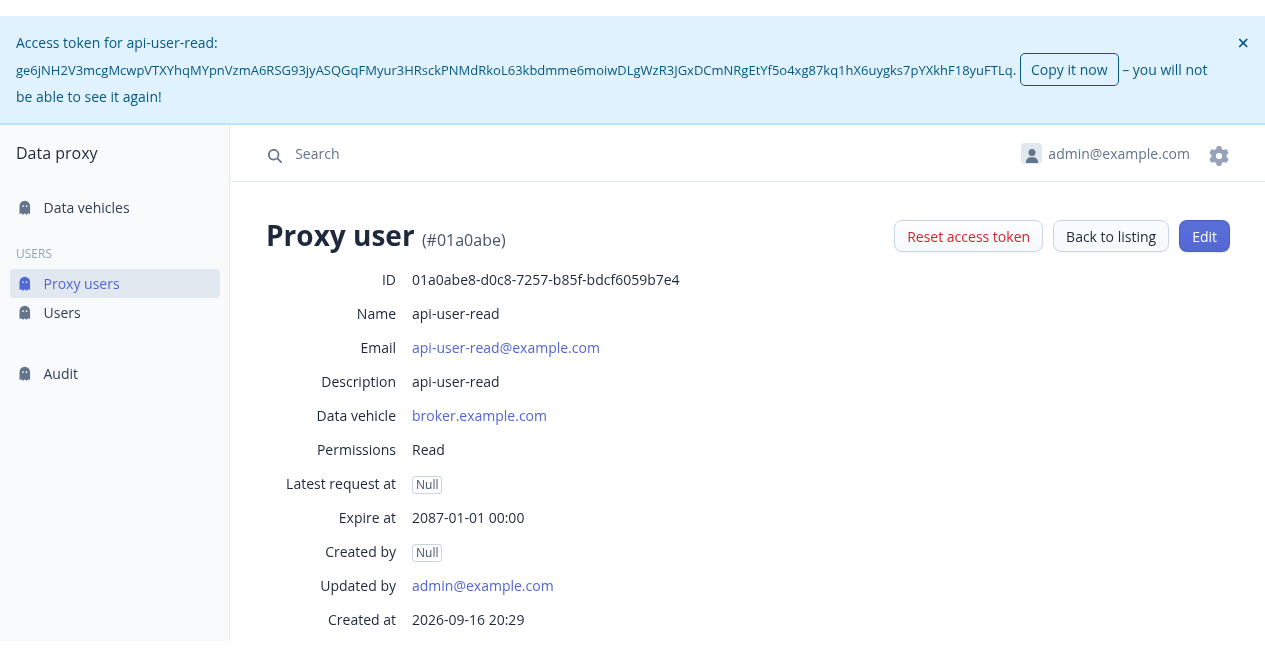
When an access token has been set, it will be shown only once and you will have to copy the token and store it somewhere safe for later use in the Authorization header.
TIP
Clicking the "Copy it now" button (or the access token itself) will copy the access token to the clipboard.
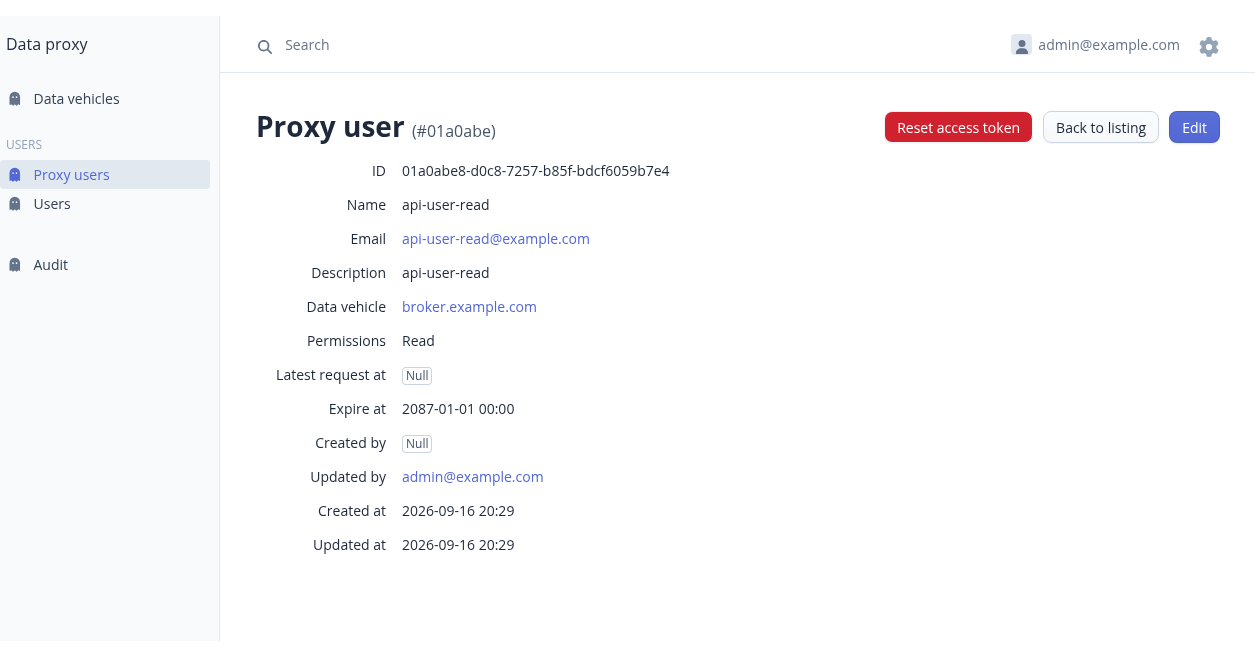
If a user has lost his access token (or if it has been compromized), an administrator can reset the access token for the proxy user:
WARNING
Resetting an access token deletes the old token without any trace.
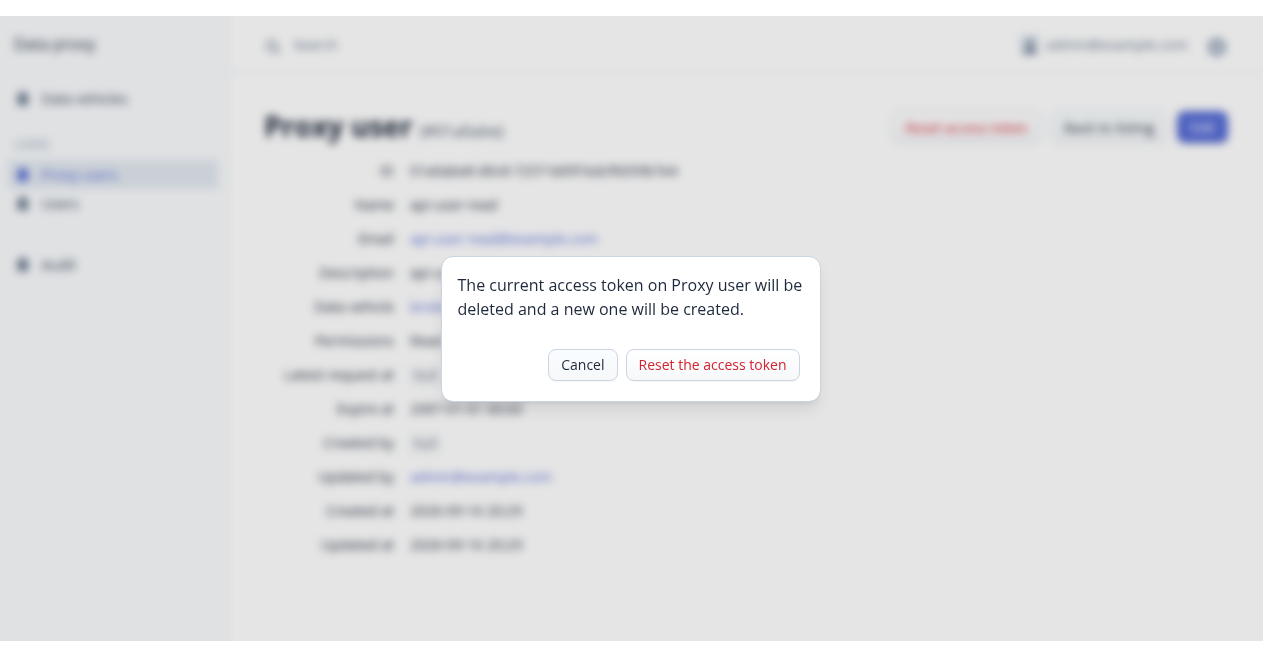
If the administrator confirms resetting the access token, a new token is set and the old one is gone: